
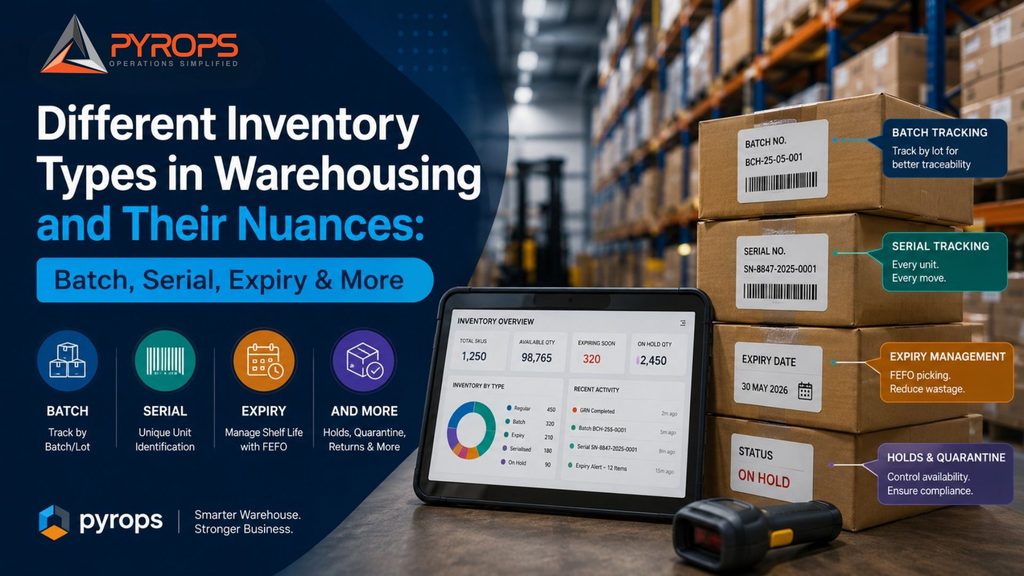
Different Inventory Types in Warehousing and Their Nuances: Batch, Serial, Expiry & More
Inventory may look simple on a stock report: SKU, quantity, and location. But inside a warehouse, not all inventory behaves the same way. A box of generic office supplies can often be picked and moved with minimal controls. A pharmaceutical product may need batch and expiry tracking. A smartphone may need individual serial number tracking. Food products may require FEFO picking based on shelf life. This is why effective warehouse management is not just about knowing how much stock you have. It is about knowing what type of stock you have, how it needs to be handled, and what information must stay attached to it throughout its lifecycle. A modern WMS such as Pyrops can manage multiple inventory types and apply the appropriate controls to each, from regular inventory to batch-controlled, expiry-controlled, and serialised inventory. 1. Regular Inventory: Simple, but Still Needs Accuracy Regular inventory is the most straightforward type of inventory. These are products where individual unit identity, batch information, or expiry dates are generally not critical to warehouse operations. Examples can include general merchandise, certain industrial supplies, packaging materials, and other non-sensitive products. What makes it different? The primary focus is usually: For example, if a warehouse has 500 units of a standard product, the primary question is simply: How many are available, and where are they? However, “simple” does not mean “uncontrolled.” Every movement still needs to be accurately recorded to prevent stock discrepancies, misplaced inventory, and incorrect order fulfilment. 2. Batch-Controlled Inventory: When Groups of Products Matter Batch-controlled inventory is managed based on a common batch or lot number. Products belonging to the same batch typically share characteristics such as production date, manufacturing source, or other traceability information. This is particularly important in industries such as: The key nuance: inventory is no longer just SKU-level Suppose a warehouse has: SKU A — 10,000 units That number alone may not be enough. The actual inventory could be: The warehouse needs to know not only the total quantity but also which batch is stored where and which batch should be picked. Why batch traceability matters If a quality issue is identified in Batch B, the warehouse should be able to determine: This is where forward and backward lot traceability becomes important. Pyrops supports batch-level traceability and maintains movement history across warehouse operations. 3. Expiry-Controlled Inventory: When Time Becomes a Constraint Expiry-controlled inventory adds another dimension to inventory management: time. For these products, having stock available is not enough. The stock must still have sufficient usable shelf life. Examples include: Consider two batches of the same product: Batch A: Expires in 15 daysBatch B: Expires in 8 months If the warehouse simply picks whichever batch is easiest to access, Batch A could remain in storage until it expires. That creates: FEFO vs FIFO This is where the distinction between FIFO and FEFO becomes important. FIFO — First In, First Out The stock received first is picked first. FEFO — First Expiry, First Out The stock with the earliest expiry date is picked first. For expiry-sensitive products, FEFO can be more appropriate because the oldest received stock is not necessarily the stock that expires first. Pyrops supports configurable FIFO, FEFO, and FMFO rules and can direct picking based on the applicable inventory strategy. Expiry management goes beyond picking A robust expiry-control process should also provide: Pyrops can track shelf life at the batch level, surface near-expiry stock, and remove stock from the pickable pool once configured thresholds are crossed. 4. Serialised Inventory: Every Unit Has an Identity Serialised inventory is fundamentally different from batch inventory. With batch tracking, several units can share the same batch identity. With serialisation, every individual unit has its own unique identity. For example: Even though all three may belong to the same SKU, each unit needs to be tracked independently. Where is serialisation important? Serialised inventory is common in: The warehouse may need to know exactly: Where is serial number X12345 right now? But that is only one part of the requirement. It may also need to know: Pyrops captures serial numbers at inbound and tracks them through putaway, transfers, picking, packing, and dispatch. 5. Batch + Serial: When Both Levels Matter In some operations, inventory is not simply batch-controlled or serial-controlled. It can be both. A batch may contain hundreds or thousands of individual serialised units. For example: Batch B2026-08→ Device 001→ Device 002→ Device 003→ Device 004→ …and so on. The batch provides group-level context, while the serial number provides individual-unit identity. This combination becomes especially valuable in electronics and other industries where businesses need both: Lot-level traceability + unit-level traceability. Pyrops supports both simultaneously, allowing individual serialised units to retain their batch context throughout the warehouse lifecycle. 6. Inventory Holds and Quarantine: Stock That Exists but Cannot Be Picked Not all inventory physically present in a warehouse is necessarily available for sale or consumption. Stock may need to be placed on hold because of: This creates an important distinction: Physical inventory ≠ Available inventory A warehouse may physically contain 1,000 units, while only 850 are actually available for allocation. A WMS needs to distinguish between these states so that restricted inventory does not accidentally get allocated or dispatched. Pyrops supports inventory holds and quarantine workflows as part of its warehouse execution capabilities. 7. Why the Inventory Type Changes the Warehouse Workflow The biggest mistake is to think that inventory types are simply different labels in a system. They actually change how warehouse operations need to be executed. Consider receiving. For regular inventory, the process might simply be: Receive → Count → Put Away For batch-controlled inventory: Receive → Capture Batch → Verify → Put Away For expiry-controlled inventory: Receive → Capture Batch & Expiry → Validate Shelf Life → Put Away For serialised inventory: Receive → Scan Serial Numbers → Validate → Register → Put Away The same principle applies to picking. Regular inventory may require SKU and quantity validation. Batch inventory requires batch validation. Expiry-controlled inventory may require FEFO selection.